
gfast 后端开发-接口文档
接口文档使用swagger,只要你在写代码的时候,稍加几个注解,文档自动生成。
使用方法
使用前提:先安装swag
go install github.com/swaggo/swag/cmd/swag 会在gopath的bin目录下生成swag可执行文件,确保bin目录已设置环境变量可全局执行。
1、入口文件设置swagger信息
package main

import (
    _ "gfast/boot"
    _ "gfast/router"
    "github.com/gogf/gf/frame/g"
)

// @title gfast
// @version 2.0
// @description gfast 在线API文档
// @host localhost:8200
// @BasePath /
func main() {

}
2、在控制层Controller的方法上添加注解来描述接口信息如:
// @Summary 信息列表
// @Description 信息列表
// @Tags 文章管理
// @Param data body cms_news.ReqListSearchParams true "data"
// @Success 0 {object} library.Response "{"code": 200, "data": [...]}"
// @Router /system/cms/news/list [get]
// @Security
func (c *CmsNews) List(r *ghttp.Request) {
    ...
3、生成更新api接口文档
在 ./ 项目根目录下(和main.go文件同级目录下)执行:gf swagger --pack 生成或更新api文档。
执行后在项目根目录会自动生成swagger文件夹,其中保存了接口文档数据swagger.json
- 后台访问系统工具 >> 系统接口即可查询文档 或直接访问 http://localhost:8200/swagger
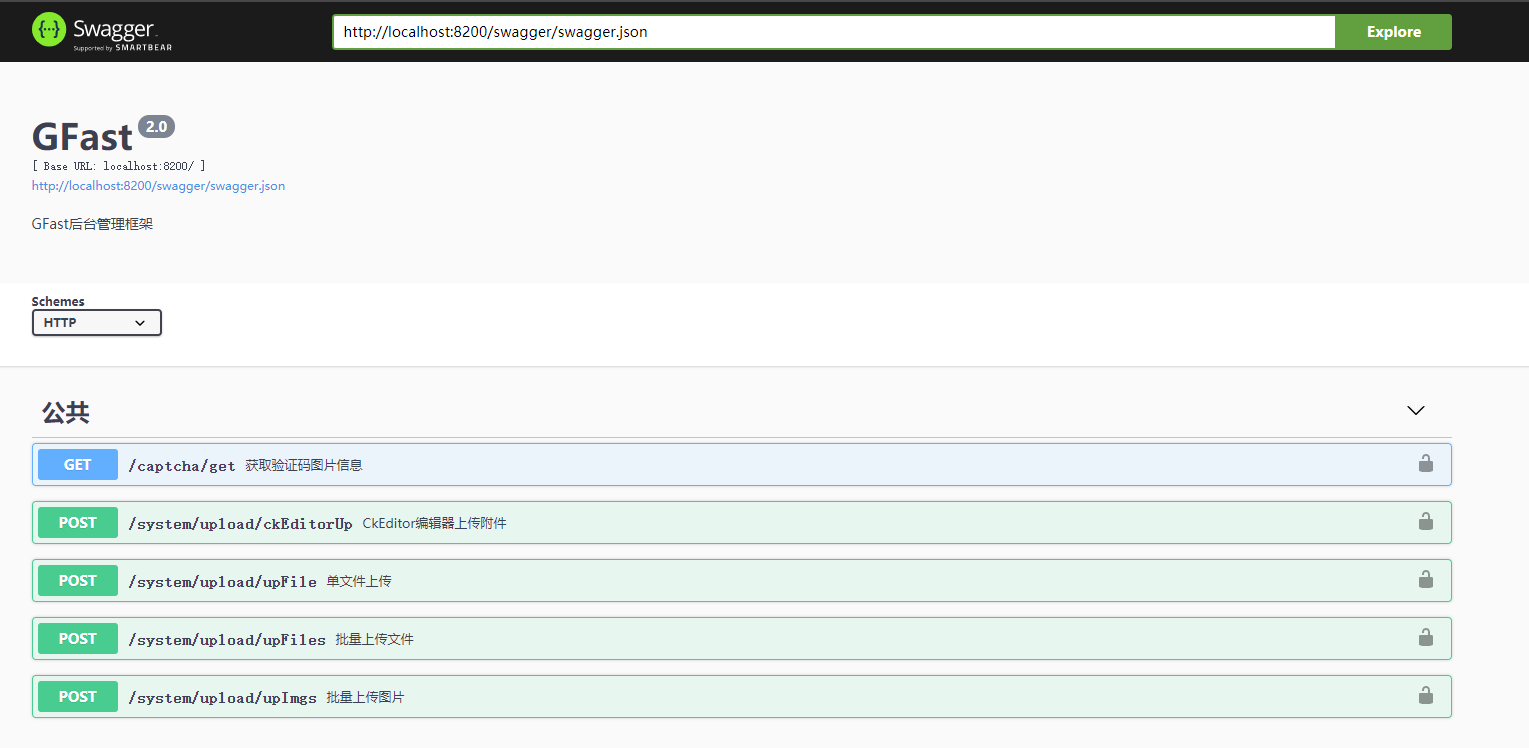
swaggo 详细文档地址请查阅:https://github.com/swaggo/swag
goframe gf工具使用: https://goframe.org/pages/viewpage.action?pageId=1115794