codecamp

如何在Cursor Chat中使用代码库进行智能搜索和响应生成

默认代码库聊天

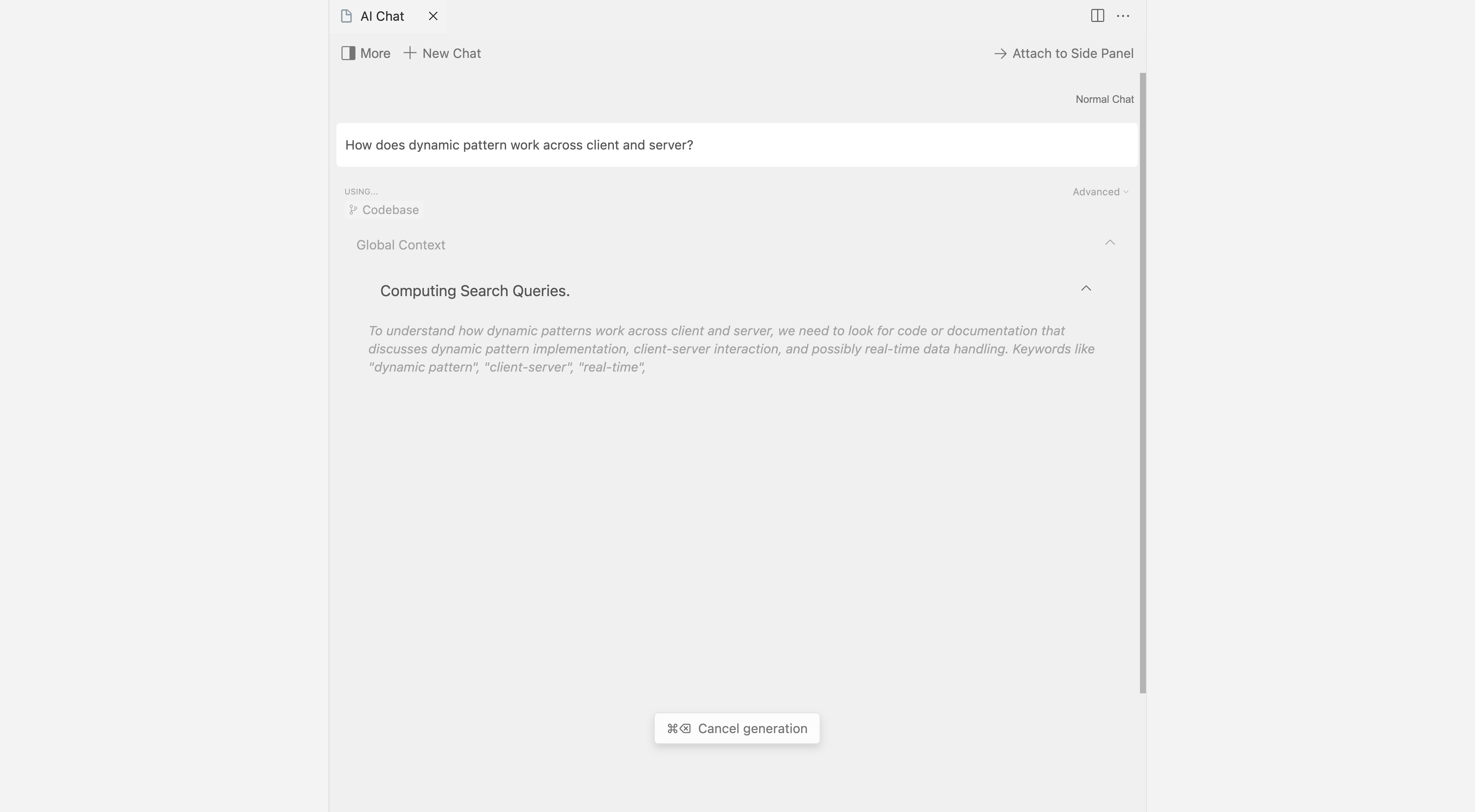
如果代码库没有被 索引,Cursor Chat 将首先尝试计算几个搜索查询,以便在您的代码库中进行搜索。为了更好的准确性,建议使用 嵌入搜索

Cursor Chat默认代码库聊天Image 1


嵌入搜索

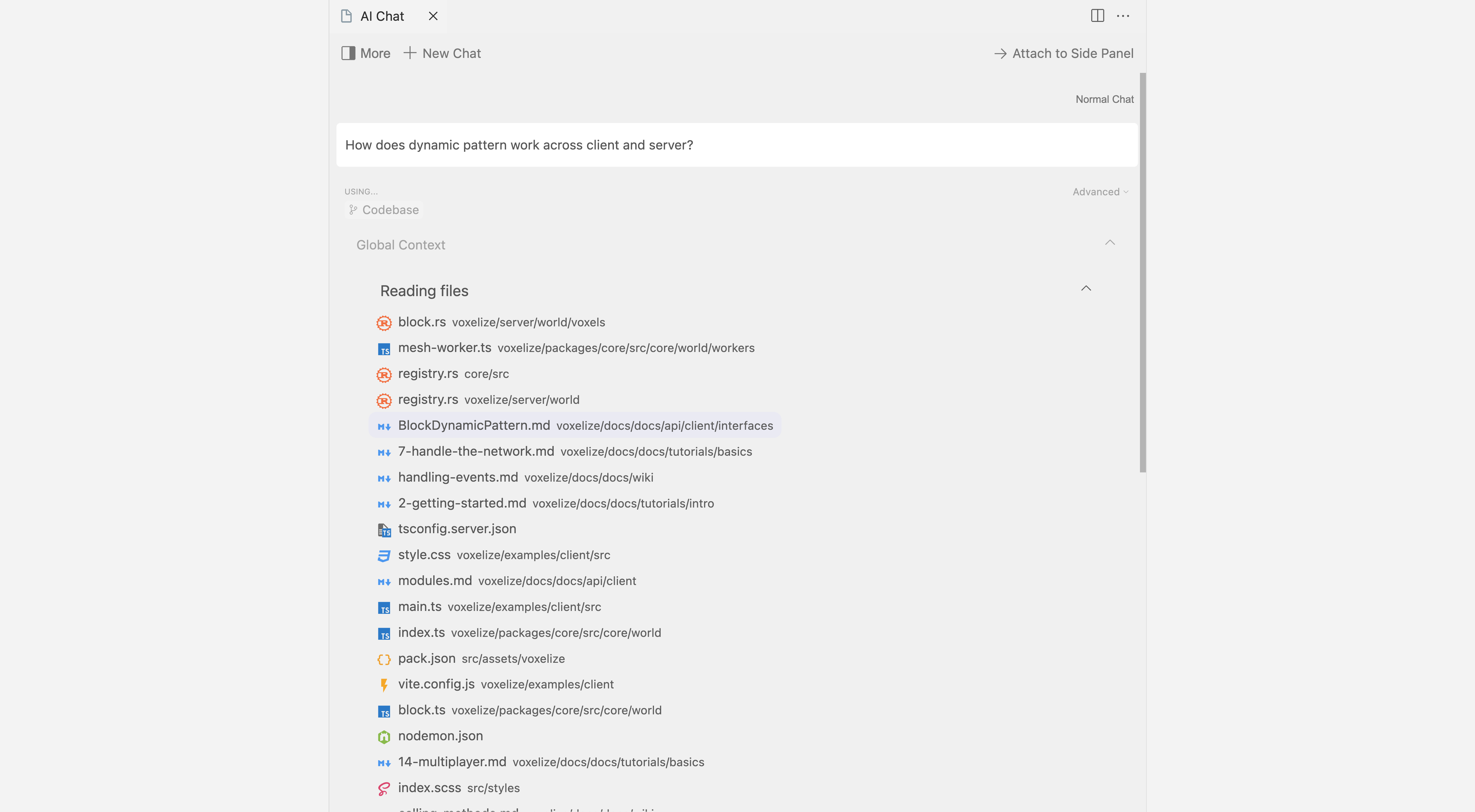
通过 代码库索引,Cursor Chat 可以根据您的代码库准确生成响应。

在输入消息后按 ​Ctrl/⌘ + Enter​,Cursor Chat 会扫描您的索引代码库,以查找相关代码片段。这通常适合快速包含代码片段,以便在对话中使用。为了更好地控制代码库搜索并提高准确性,您可以使用 ​@codebase​。

Image 2


高级代码库搜索

当使用 ​@Codebase​ 时,Cursor 代码库聊天会进行更详细的搜索。

有关​ @Codebase​ 的更多信息,请 点击这里


Cursor Chat 自定义 - 选择AI模型与编辑器设置
如何在Cursor Chat中快速应用代码块建议
温馨提示
下载编程狮App,免费阅读超1000+编程语言教程
取消
确定
目录

关闭

MIP.setData({ 'pageTheme' : getCookie('pageTheme') || {'day':true, 'night':false}, 'pageFontSize' : getCookie('pageFontSize') || 20 }); MIP.watch('pageTheme', function(newValue){ setCookie('pageTheme', JSON.stringify(newValue)) }); MIP.watch('pageFontSize', function(newValue){ setCookie('pageFontSize', newValue) }); function setCookie(name, value){ var days = 1; var exp = new Date(); exp.setTime(exp.getTime() + days*24*60*60*1000); document.cookie = name + '=' + value + ';expires=' + exp.toUTCString(); } function getCookie(name){ var reg = new RegExp('(^| )' + name + '=([^;]*)(;|$)'); return document.cookie.match(reg) ? JSON.parse(document.cookie.match(reg)[2]) : null; }